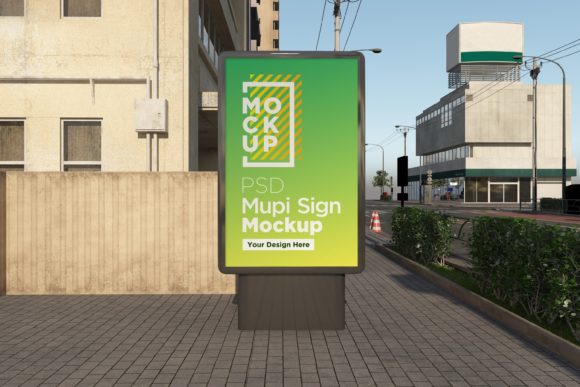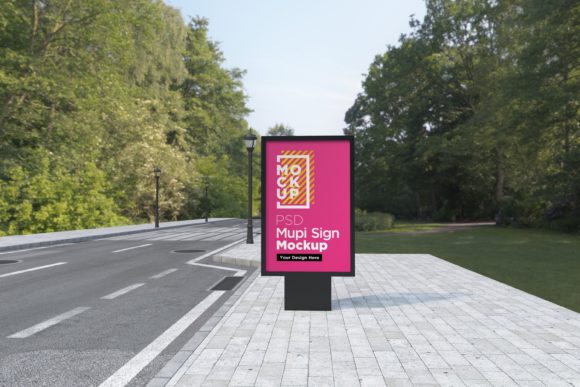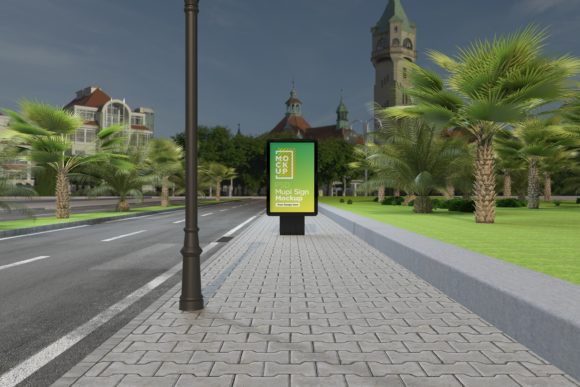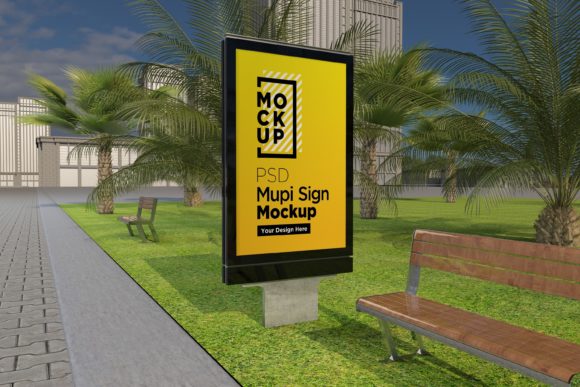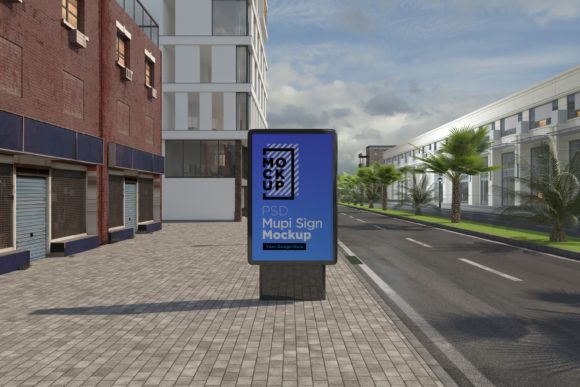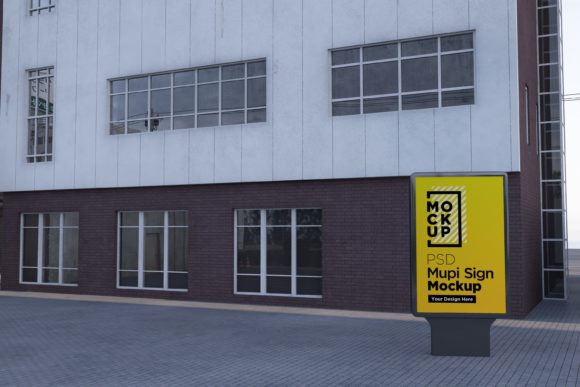
Mupi Signage Mockup Template
Elevate your outdoor advertising concepts from flat concepts to immersive, photorealistic presentations with the Mupi Signage Mockup Template. In an industry where first impressions are everything, showing a client how their brand identity will look in a real-world environment is no longer a luxury—it is a necessity. This tool bridges the gap between digital design and physical reality, allowing you to showcase your advertisement poster in a 3D realistic rendering appearance that commands attention and builds trust.
Whether you are designing for busy subway stations, serene parks, or bustling city streets, the visual context you provide can make or break a pitch. By utilizing high-fidelity mockups, you demonstrate professionalism and foresight, helping stakeholders visualize the scale, lighting, and impact of their campaigns before any ink hits paper or pixels are deployed on billboards.
Why Realistic Rendering Matters in Modern Design
Gone are the days when submitting a flat JPEG of a billboard design was sufficient for client approval. Today’s audiences and clients expect to see how designs interact with their environments. The Mupi Signage Advertising Billboard Mockups offer a solution that goes beyond simple placement; they provide depth, shadow, and atmospheric realism through V-Ray rendering technology. This level of detail helps establish visual hierarchy and ensures that typography and color palettes remain legible and impactful even when viewed from a distance.
For graphic designers and creative directors, these assets are invaluable for streamlining the design workflow. Instead of spending hours creating complex 3D scenes from scratch, you can focus on what matters most: the creative message. These templates allow you to present your projects to clients with confidence, reducing revision cycles and accelerating project approvals. The ability to preview your work in a realistic setting also aids in identifying potential issues with contrast, readability, or composition early in the process.
Technical Excellence and Usability
The power of this template lies not just in its aesthetic appeal but in its technical robustness. Designed for professionals who demand precision, this fully layered PSD file is compatible with Adobe Photoshop CS6 and above. The non-destructive editing capabilities ensure that your original artwork remains intact while you experiment with different backgrounds and lighting conditions.
Key features include:
- High Resolution: At 5000 x 3000 pixels and 300 DPI, the images are crisp enough for both screen presentation and high-quality print outputs.
- Smart Object Integration: Simply double-click the smart object layer to drop in your design. Updates appear instantly in the main view, saving valuable time during revisions.
- Organized Structure: Layers and folders are clearly named, making it easy to navigate complex compositions and adjust specific elements like shadows or reflections.
- V-Ray Quality: The realistic lighting and textures mimic professional photography, giving your designs a premium feel.
Versatile Applications for Creative Projects
While the primary use case involves outdoor advertising, the versatility of this mockup extends across various facets of visual design. It is an excellent resource for enhancing your portfolio, demonstrating to potential employers or clients that you understand spatial awareness and environmental integration.
Beyond traditional billboards, consider using these mockups for:
- Digital Marketing Campaigns: Use the rendered signage as background elements in social media graphics or web banners to create cohesive brand narratives.
- Packaging Design: If your product packaging features large-format graphics, placing them on a street-side mupi provides context for retail visibility.
- Editorial Design: Incorporate realistic signage into magazine layouts or editorial illustrations to add authenticity to urban-themed stories.
- Brand Identity Presentations: Show how a new logo or brand system performs in high-traffic public spaces, reinforcing the scalability and adaptability of your brand identity.
Getting Started with Your Design
To get the best results, start by ensuring your source artwork is optimized for large-scale printing. Check your typography choices for legibility at a distance and ensure your color palette contrasts well against the simulated background lighting. The included help file provides step-by-step instructions for navigating the layers and adjusting settings to match your specific needs.
If you encounter any questions regarding the file structure or need assistance with customization, support is readily available through the creator’s profile page or email. Leveraging such high-quality creative assets allows you to maintain a consistent standard of excellence across all your design trends and projects. Ultimately, investing in realistic mockups is an investment in clearer communication and stronger client relationships, ensuring your creative vision is seen exactly as intended.