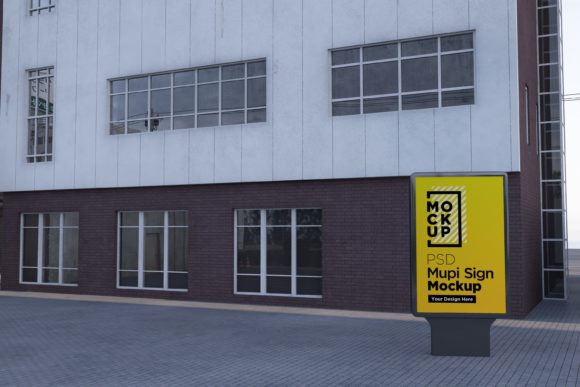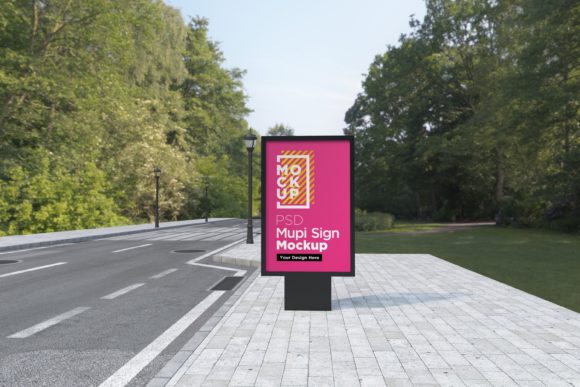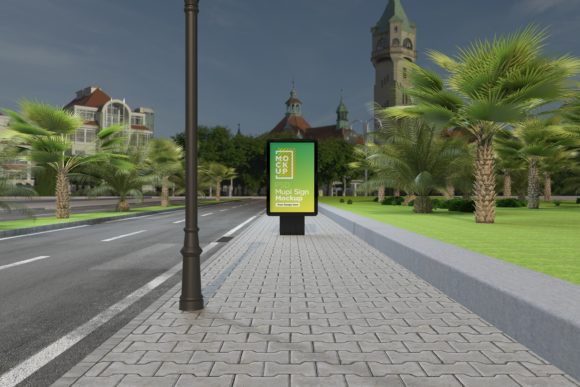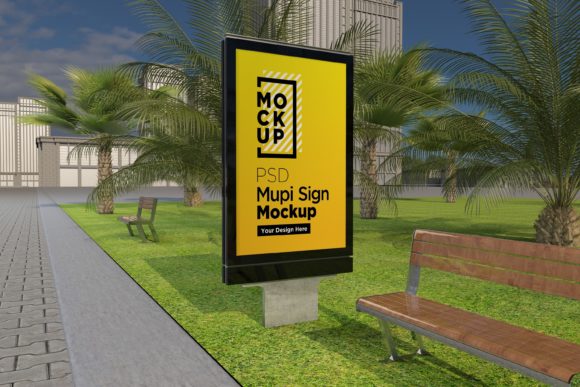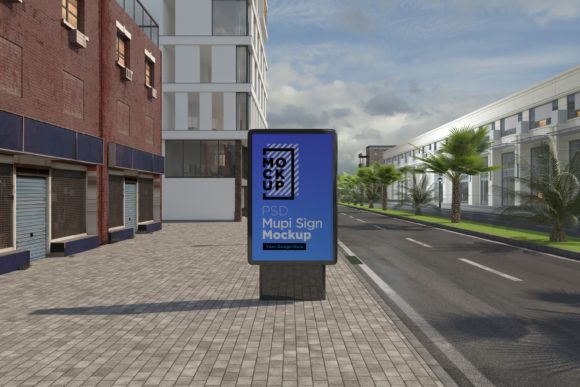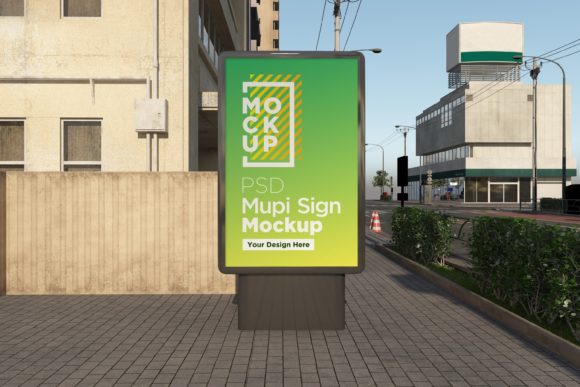
Mupi Signage Road Side Mockup Template
When you are designing an advertisement, a poster, or a large-scale banner, the hardest part is often convincing your client—or even yourself—that the design will look good in the real world. A flat image on a screen rarely tells the whole story. You might have created a stunning graphic with perfect typography and vibrant colors, but does it hold up when placed against a busy street background? Does the lighting feel natural? Is the perspective correct?
This is where realistic presentation tools become essential. The Mupi Signage Road Side Mockup Template (along with its billboard counterpart) bridges that gap. It transforms your 2D digital artwork into a 3D realistic rendering appearance, allowing you to showcase your advertisement poster in a context that feels tangible and professional. This isn't just about making things look pretty; it’s about communication, clarity, and closing deals.
Why Realism Matters in Design Presentations
Imagine you are a freelance graphic designer pitching a rebranding campaign for a local coffee shop. You’ve designed a beautiful logo and a series of social media graphics. But the owner asks, "What will this look like on the side of the building?" If you show them a JPEG file pasted onto a white background, they might struggle to visualize the scale, the texture, or how it interacts with the environment. They might worry about glare, visibility from a distance, or color accuracy under sunlight.
By using the Mupi Signage Road Side Mockup Template, you can present your design as if it were already installed. You create Subways, Parks, Streets, for your banner mockups, giving the client a preview of reality. This reduces uncertainty. When clients see their brand in a realistic setting, they feel more confident in their purchase. For freelancers and agencies, this confidence translates into faster approvals and fewer revision rounds.
Who Benefits from This Tool?
The versatility of fully layered PSD files means that this resource is not limited to just one type of user. Whether you are a seasoned marketing director or a student starting out, there is a specific use case for you.
Freelance Graphic Designers
For solo practitioners, time is money. You need tools that are efficient but produce high-end results. This mockup works perfect for your advertisement to preview or present your projects to your clients. Because it is a fully layered PSD, you don’t need to spend hours manually masking corners or adjusting shadows. You simply drag and drop your design into the smart object layer, and the template handles the perspective, lighting, and texture mapping. This allows you to offer premium presentation services without inflating your workload.
Marketing Agencies
Agencies often juggle multiple clients and campaigns. When presenting a comprehensive branding package, consistency is key. Using a standardized, high-quality mockup ensures that every deliverable looks polished. The 5000 x 3000 pixels size provides ample resolution for large prints or high-definition digital displays, ensuring that no detail is lost during the presentation phase.
Small Business Owners
You might not be a designer, but you might need to visualize signage for your own business. Perhaps you are planning to put up a new sign outside your retail store or advertise at a local park event. Instead of guessing how your logo will look, you can use this template to experiment with different designs, colors, and layouts before committing to production costs. It acts as a low-risk testing ground for your visual identity.
Educators and Students
In design courses, understanding the application of graphics in real-world environments is crucial. Instructors can use this tool to teach students about environmental graphic design, outdoor advertising constraints, and visual hierarchy. Students can practice creating designs that are not only aesthetically pleasing but also functional in various contexts, such as subway stations or roadside billboards.
Realistic Scenarios: Where and When to Use It
The strength of the Mupi Signage Road Side Mockup Template lies in its ability to simulate diverse environments. Here are a few practical scenarios where this tool shines:
- Urban Street Campaigns: If you are launching a product in a city center, you can place your ad on a roadside sign surrounded by traffic and pedestrians. The realistic lighting helps you assess how the colors will pop against concrete and glass backgrounds.
- Park and Recreational Advertising: For brands targeting families or outdoor enthusiasts, placing a mockup in a park setting adds a sense of community and leisure. The greenery and natural light provide a soft backdrop that makes bold colors stand out differently than they would on a gray wall.
- Transit Hubs: Subway and bus stop advertisements require a different approach. The confined space and artificial lighting change how viewers perceive the message. Using the template to simulate these environments helps designers optimize text size and contrast for quick readability.
- Event Branding: Temporary events, festivals, or pop-up shops often use roadside banners. Visualizing these setups helps event organizers ensure that their branding aligns with the venue’s aesthetic and attracts attention from passing crowds.
Technical Features That Support Your Workflow
While the creative applications are important, the technical specifications of the Mupi Signage Advertising Billboard Mockups ensure that the final output meets professional standards. Here is how the features translate into benefits:
- Top Quality 3D Realistic V-Ray Rendered: V-Ray is known for its photorealistic rendering capabilities. This means the shadows, reflections, and textures in the background are accurate. Your design won’t look like it’s floating; it will look integrated into the scene.
- Fully Layered PSD (Minimum CS6): Compatibility is key. As long as you have Photoshop CS6 or newer, you can open and edit the file. The layers are organized with clear folder names, which prevents confusion when you are trying to adjust specific elements like the sky, the pavement, or the sign structure itself.
- Smart Object Layers: This is the most critical feature for efficiency. Instead of manually warping your image to fit the sign, you double-click the smart object layer, paste your design, save, and watch it automatically map to the perspective. This saves minutes per project, adding up to hours over time.
- 5000 x 3000 Pixels at 300 DPI: High resolution ensures that both the mockup background and your final composite are crisp. This is vital if you plan to print the mockup for physical presentations or display it on large monitors during client meetings.
- Help File Included: Even intuitive tools can have a learning curve. The inclusion of a help file provides step-by-step guidance, reducing frustration and helping you get started quickly.
Things to Consider Before You Start
Before downloading and applying the Mupi Signage Road Side Mockup Template, keep a few practical tips in mind to get the best results.
Lighting Consistency: While the mockup provides realistic lighting, your source image should ideally match the mood of the scene. If the mockup shows a sunny afternoon, avoid using a dark, moody design unless it serves a specific artistic purpose. Adjusting the brightness and contrast of your design within the smart object can help it blend seamlessly.
Resolution Awareness: Although the template is high-resolution, your original artwork must also be high-quality. If you upload a small, pixelated image into the smart object, the realism will break. Always start with vector files or high-DPI raster images for the best outcome.
Contextual Relevance: Choose the right background for your message. An advertisement for a luxury car might look out of place in a gritty industrial alley, whereas it might shine on a sleek, modern street. Think about the narrative you want to convey through the environment.
Support Resources: If you encounter any issues with the layers or the help file, the creator offers support. You can contact them through their profile page or email. Knowing that help is available can be reassuring, especially if you are less experienced with advanced Photoshop techniques.
Final Thoughts
The Mupi Signage Road Side Mockup Template is more than just a decorative tool; it is a strategic asset for anyone involved in visual communication. By providing a 3D realistic look to your designs, it enhances credibility, improves client understanding, and streamlines the presentation process. Whether you are showcasing a new brand identity, testing a billboard concept, or simply wanting to make your portfolio stand out, this template offers the quality and flexibility needed to succeed. In a market where first impressions matter, giving your designs a realistic stage can make all the difference.